
How to Create a Free Google Business Website
Create a Free Google Business Website (2026) , By 2026, solo workers, new companies, and independent professionals rely on Google’s resources to set up pages that pull in clients – without draining their budget. Building a web presence now skips the need for programming know-how or costly programs.
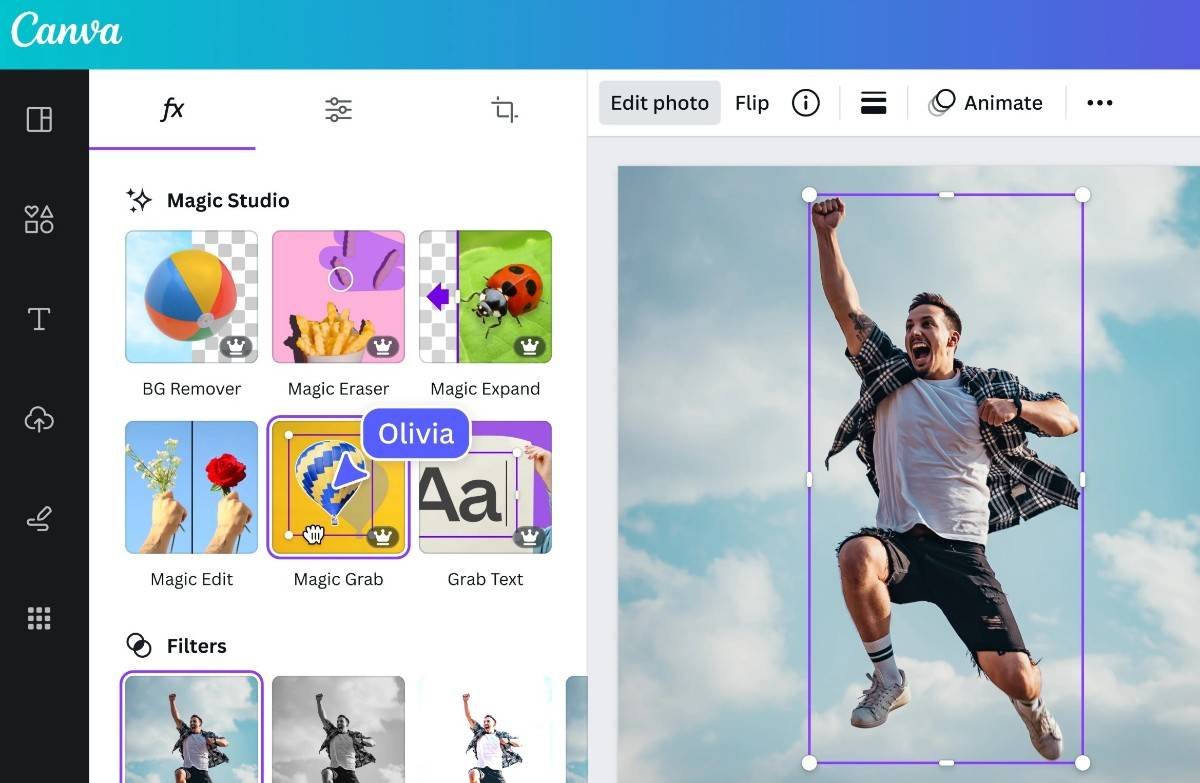
canva editor
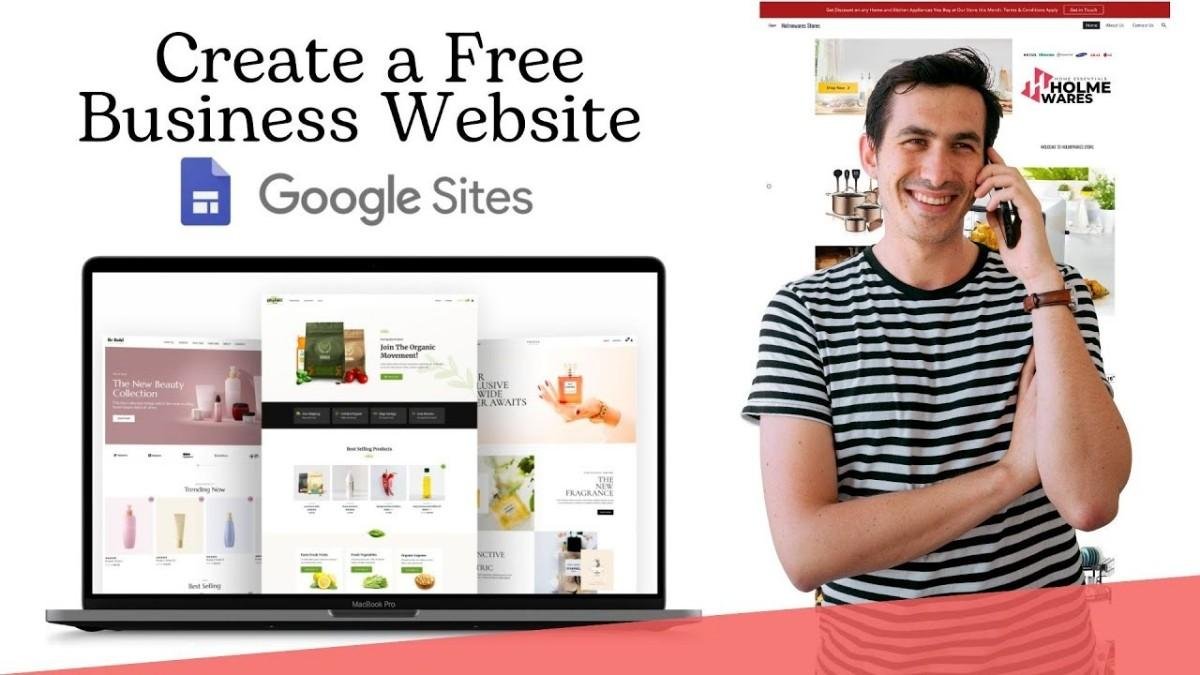
A quick way to set up a business site at no cost? Try Google Sites. This tool lets you craft pages right inside your web browser – no need to write code.
- Create a Website with Google Sites
- Sign in with your Google account
- Open Google Sites
- Choose a template
- Add text, images, and business details
- Customize layout and design
- Click publish
How to Create a Free Google Business Website For small teams or solo workers, Google Sites works well when showing work online. Files live inside Google Drive, so putting them on pages feels natural. A portfolio can grow slowly, without extra tools getting in the way. Sharing happens fast since everything already links together behind the scenes
Google Site Builder :
Create a Free Google Business Website (2026) :
- No Coding Needed :
Anyone can build a professional business website using Google tools, even without technical knowledge. - Affordable Online Growth :
Free Google website tools help businesses promote services, attract customers, and improve online visibility. - Better Customer Trust :
A business website makes it easier for people to find information, contact you, and trust your brand online.
How to Create a Free Google Business Website :
- Free website creation options
- Better visibility on Google Search
- Mobile-friendly website design
- Easy integration with Google services
- Simple tools for beginners
Build Websites Simply Using Google Sites :
- Create a Website with Google Sites
- Sign in with your Google account
- Open Google Sites
- Choose a template
- Add text, images, and business details
- Customize layout and design
- Click publish
Boost Local Presence Using Google Business Profile :
- Business name
- Phone number
- Website link
- Address and location
- Working hours
- Customer reviews
“Trust grows without fanfare when details feel accurate and open. Seeing a place online like this makes it real before you even walk in.”
Track Performance Using Google Analytics:
You can track:
- Website traffic
- Visitor location
- Most visited pages
- Time spent on site
- Mobile usage date
“Knowing these details makes your material stronger while giving clearer insight into how customers act. Better content grows when patterns in user choices come into view.”
More Google tools to help businesses grow :
- Inside Google Drive, photos sit beside papers. Web files appear safe there too. Files stay put unless moved.
Google Forms makes forms for questions and replies
Google Domains via Squarespace helps with domain name management
Nothing vanishes without reason. Storage works quietly behind screens
Key Insights :
Create a Free Google Business Website (2026)
Out there among digital options, setting up a no-cost business site through Google stands clear by 2026. Since Google Sites shapes pages fast, toss in a Business Profile so customers spot you locally. Tracking visitor moves? That job lands neatly under Analytics watch.
Create Today, Grow Tomorrow
“We Believe In Hard Work And Dedication.”
We provide custom “Web design, e-Commerce development, and digital marketing services to SMEs, focusing on high-quality, cost-effective solutions” for small to medium-sized enterprises.

How to Create a Free Google Business Website
Having an online presence is essential for every business in 2026. If you’re looking for a simple and cost-effective way to get started, creating a free Google Business website is a great option. It helps customers find your business online, view your contact details, check your business hours, and get directions with ease.The first step is to create or claim your Google Business Profile. Add accurate information such as your business name, address, phone number, website, business hours, and service details. Make sure all the information is complete and up to date so customers can trust your business. How to Create a Free Google Business Website
Next, upload high-quality photos of your business, products, or services. Attractive images help create a positive first impression and encourage more people to interact with your business. You should also write a clear business description that explains what you offer and why customers should choose you.Customer reviews play a major role in building trust. Encourage satisfied customers to leave positive reviews and respond to their feedback professionally. Regularly posting updates, offers, events, or announcements through your Google Business Profile also helps keep your audience engaged and improves your online visibility.
To improve your local search presence, use relevant keywords naturally in your business description and posts. Keep your business information consistent across all online platforms, including your social media pages and website, if you have one. This consistency helps customers find accurate information and strengthens your online credibility. A free Google Business website is an excellent starting point for small businesses, startups, freelancers, and local service providers. While it may not include advanced customization features, it provides an easy way to establish an online presence without any upfront cost.
By maintaining an updated Google Business Profile, adding fresh content, and engaging with customer reviews, you can improve your visibility in local search results, attract more potential customers, and build a stronger online presence for your business throughout 2026.
Keeping your Google Business Profile updated is one of the easiest ways to improve your online presence. Make sure your business name, address, phone number, website, and business hours are always accurate. Add your products and services with clear descriptions so potential customers can quickly understand what you offer. Upload high-quality photos, your business logo, and cover images to create a professional first impression. Choosing the correct business category and adding your exact location on Google Maps can also improve your visibility in local search results.
To keep your profile active, regularly publish updates about new products, special offers, seasonal discounts, events, or important announcements. Encourage satisfied customers to leave genuine reviews and always respond to both positive and negative feedback professionally. You can also enable messaging, answer frequently asked questions, and monitor your profile insights to understand how customers find and interact with your business. By consistently updating your Google Business Profile and providing valuable information, you can build customer trust, improve local search rankings, attract more visitors, and grow your business successfully throughout 2026. How to Create a Free Google Business Website